Kim weston

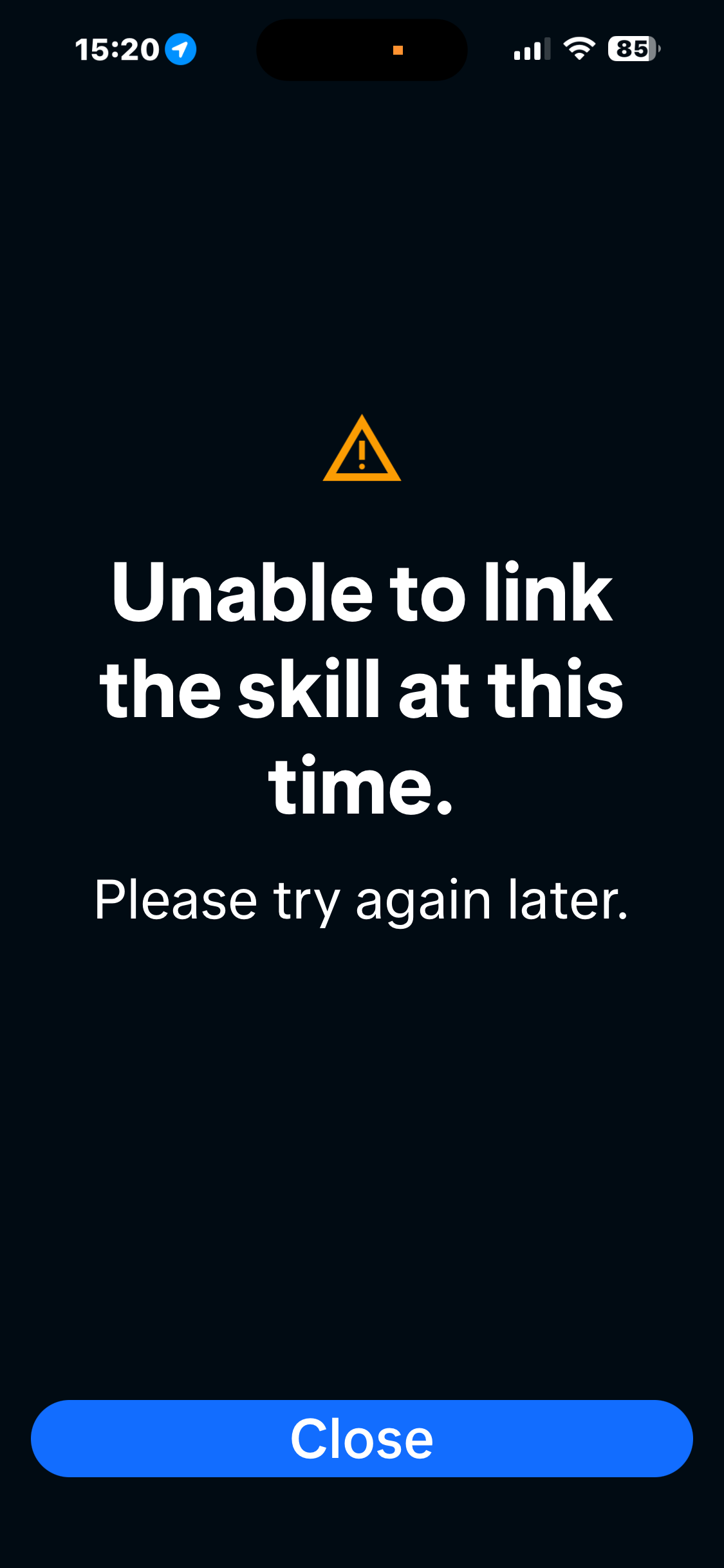
Cannot connect to Alexa

I have tried all ways to connect my dreame l40 ultra to my Alexa skills and it just won’t connect or link
You need to log in to reply. Login | Register

2 Comment

Try removing the skill and linking it again, making sure the account you're logging in with is the same one the robot's set up on. If it still won't link, that's one for support at dreamesupport@dreame.tech.
27-9-2026 17:23:49 GB Translate

Hello,
 
You can refer to the following steps to connect Alexa:

Method 1. Connect Via Alexa App:
Before you begin:
1. Check that an Echo speaker or Echo Show has connected to your home Wi-Fi network.
2. Check that a robot has been added through Dreamehome App.
3. Update your Alexa App to the latest version.

Discover Dreame robots with a skill in the Alexa App:
Step 1: Open Amazon Alexa App (if you have not installed, please go to ""Google Play/App Store"" to download).
Step 2: Go to More > select Skills & Games.
Step 3: Search the skill on Dreamehome for your device, and then tap Enable To Use.
Step 4: Follow the on-screen instructions to log in to Dreamehome App.
Step 5: Ask Alexa to discover your device. Say, ""Discover my devices,"" or select Add Device in Devices section of Alexa App.


Method 2. Connect Via Dreamehome App:
Step 1: Open the Dreamehome App, enter ""Me"", and select ""Voice Control“
Step 2: Select ""Amazon Alexa"", enter the Alexa page, click Alexa to bind
Step 3: Automatically jump to the Alexa App, enter the ""ACCOUNT LINKING"" page, click the ""LINK"" button to evoke the pop-up window, click ""JUST ONCE"", and automatically return to the Dreamehome App
Step 4: Wait for 5 seconds, Dreamehome will prompt the binding result. When the binding is successful, the Alexa status is ""Linked"". If the binding fails, follow the steps above to try again

In addition, you can visit the following link for more usage tips and recommendations:https://dreametech.zendesk.com/h ... Updated-Alexa-Skill

We hope the above information is helpful. Thank you for your understanding.
28-9-2026 09:48:57 GB Translate

UID:PR771593 GB
  • 2Posts
  • 0Friends

© 2026 Dreame Forum All Rights Reserved | Support by Discuz! X5.0 Font by MiSans

Quick Reply Back to Top Return to List