GC959721

Exclude cleaning area

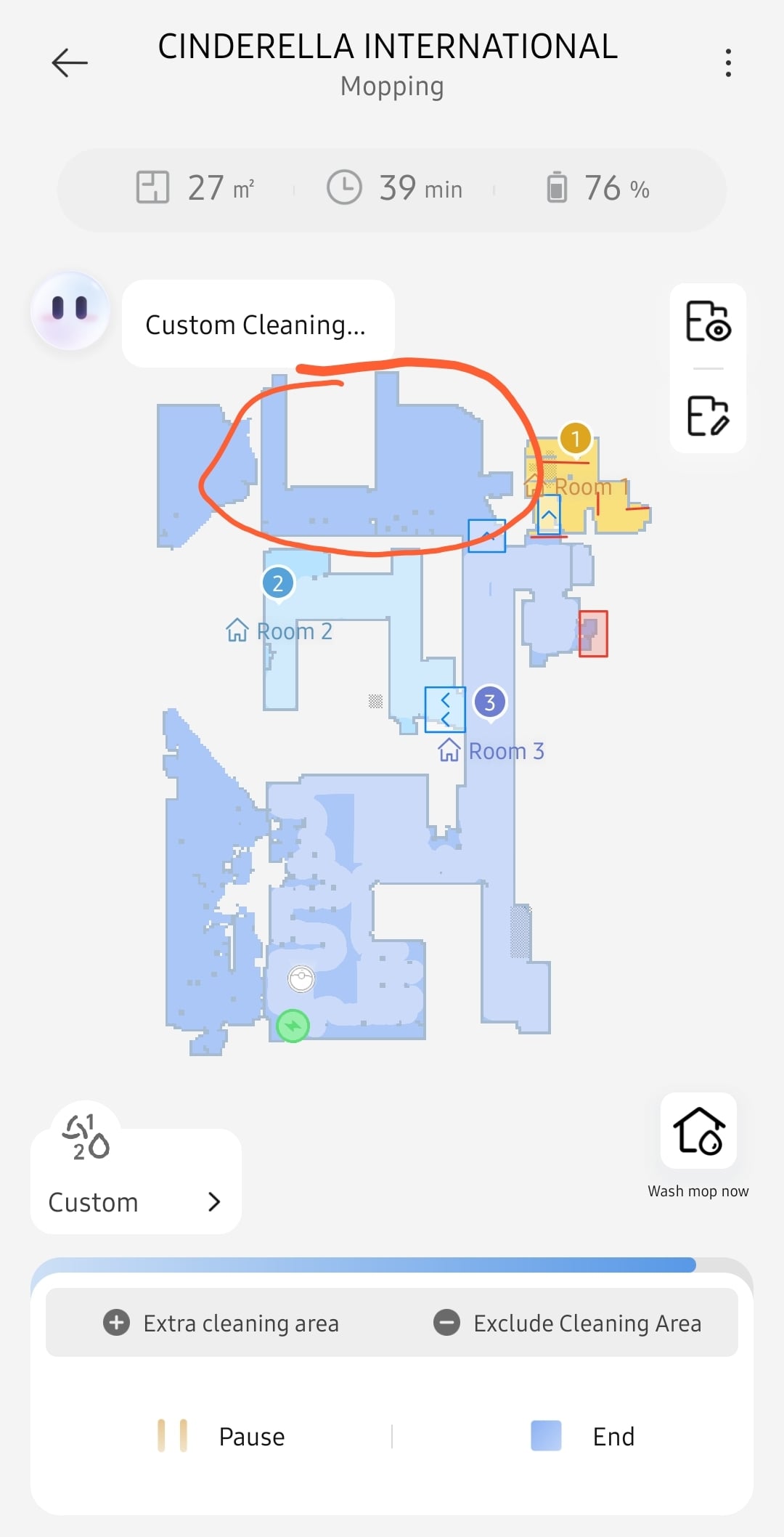
Today, when I asked my Dreame vacuum to clean, it skipped one area of my house. I think that the last time I used it, I selected that area and accidentally tapped “Exclude Cleaning Area.” How can I undo this and make the vacuum clean that area again?
You need to log in to reply. Login | Register

2 Comment

Tap the excluded zone on the map in the app and you should be able to delete it. If it won't budge, I'd factory reset and let it remap from scratch.
14-10-2026 20:18:55 GB Translate

Hello,

We recommend that you enter the map page and check whether the area has been set as a no-go zone or another restricted cleaning area. You can also tap the relevant area directly to check its settings.

You can also tap “Extra Cleaning Area” at the bottom of the page to add this area to the cleaning task.

If the issue persists, please confirm whether the map has been saved successfully, whether the separated sections are displayed on the map, and whether the area cleaning function is working properly.

Turn off and restart the robot vacuum. Then manually place the robot vacuum back on the charging dock and try to restore the map. If the map cannot be restored, please reposition the charging dock and create the map again.

Recommendations:

1. Place the charging dock against a wall. Ensure that there is at least 0.5 metres of clearance on both sides of the charging dock and no obstacles within 1 metre in front of it.

2. Do not manually move the robot vacuum while it is operating.

3. Strong light or highly reflective environments may cause mapping issues.

4. We recommend closing the curtains or cleaning when the lighting is less intense. For highly reflective surfaces, we recommend covering the bottom 26 cm of the surface.

5. Regularly check and clean the navigation sensors with a soft cloth or tissue.

Thank you for your understanding and support.
15-10-2026 09:24:44 GB Translate

UID:GC959721 GR
  • 1Posts
  • 0Friends

© 2026 Dreame Forum All Rights Reserved | Support by Discuz! X5.0 Font by MiSans

Quick Reply Back to Top Return to List