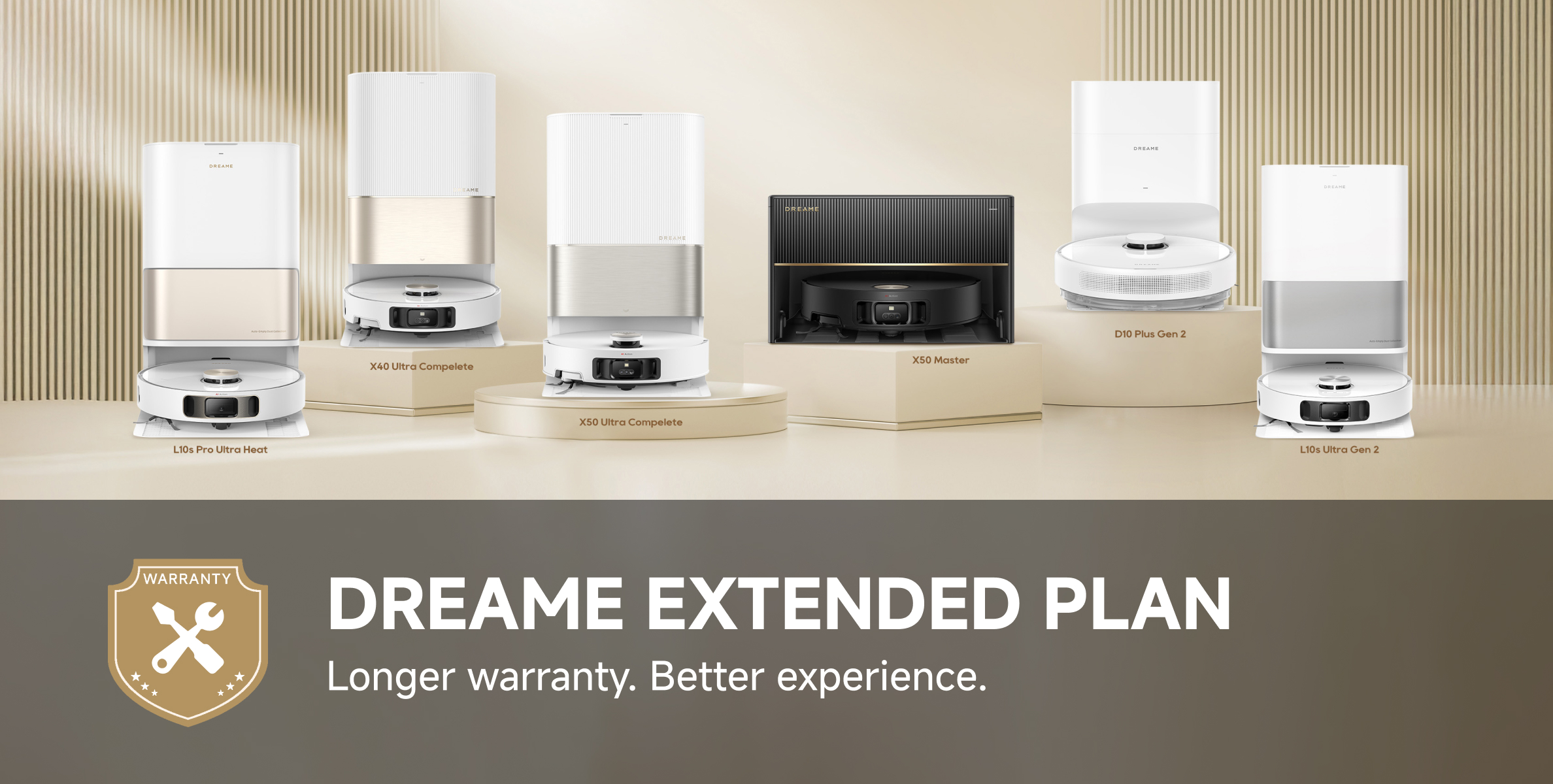
Extend Your Protection with Dreame Official Extended Warranty |
|
7584
19
|
|
|
|
|
|
|
|
12-6-2025 10:54:26
Translate
|
|
|
|
|
|
|
|
|
|
|
|
|
|
Hello, what is the model of your device? We suggest you test the battery life in standard mode after fully charging the device, and then contact our after-sales department. They will help you determin
5-11-2025 03:00
 GB
Translate GB
Translate |
|
|
|
|
Yes, you can set different cleaning modes for each individual room. Please refer to the attached image for guidance.
6-1-2026 10:51
GB
Translate |
|

 Dreame Support
Thread Starter
Dreame Support
Thread Starter
|
|
|
|
|
5. Check whether the robot’s main wheels are slipping or getting stuck during operation. 6. If all the above checks have been completed, open the robot’s top cover and press and hold the reset button for 3 seconds to restart the robot. Then move the dock to an open area and try again. 7. If the dock has been moved from its original location, please manually place the robot onto the dock, allow it to reconnect, and then start a new cleaning task from the dock. We hope this helps.
23-7-2026 07:20
GB
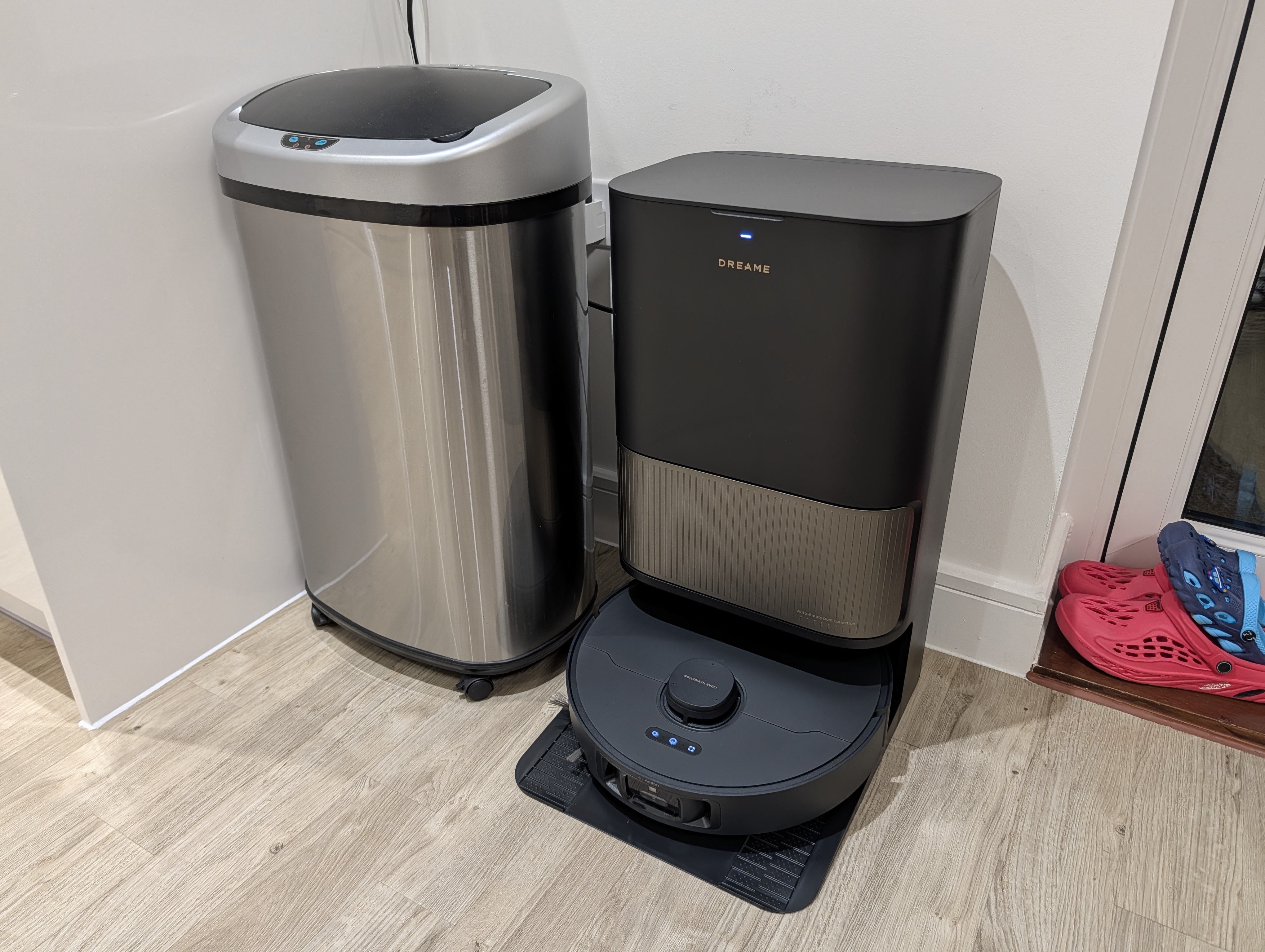
Translate3. If the robot can return to the dock and charge, please check the dock placement: Place the dock against a wall. Position it in an open area. Ensure there are no obstacles within 1.5 meters in front of the dock and 0.5 meters on both sides. Keep it away from sources of signal interference such as routers and TVs. Avoid placing it opposite reflective surfaces such as mirrors or large windows. 4. During cleaning, please ensure that the robot starts its task from the dock and check whether the LDS laser sensor on top of the robot is rotating normally.
23-7-2026 07:19
GB
TranslateHello, Please follow the troubleshooting steps below: 1. Check whether the charging dock is powered on properly. Make sure the power plug is securely connected and not loose. 2. Place the robot 1–2 meters in front of the dock and briefly press the “Dock” button on the robot. If the robot still cannot return to the dock, please contact our after-sales support team for further assistance.
23-7-2026 07:19
GB
Translate |
|
GB
© 2026 Dreame Forum All Rights Reserved | Support by Discuz! X5.0 Font by MiSans


 7584
7584